It sorts itself
Name a few interests — your reno, a research thread, tabletop games. Every capture auto-routes to the right one. No folders, no filing, no empty-bucket guilt.
Text it, email it, share a link or an AI chat, snap a book cover, or have your AI assistant save it — BrainTrellis reads whatever you send, files it under the right interest, and keeps it all on one board, with your to-dos marked so you can pull up just those. Anything you saved is one plain-language question from coming back.
Every door in — including ones nobody else has.
Refugee from Pocket or Omnivore? Bring your whole library and let it sort itself.
Link your phone once. Then text anything to BrainTrellis: an idea, a link, a photo of a book cover or a whiteboard. It lands in your feed in seconds, and an email comes back telling you what it became and where it was filed. Any phone, any carrier.
#recipes and it's filed under Recipes.@todo and it's on your to-do list.Forward anything to one address: a newsletter, a receipt, a thread, a note to self. We know it's you by the address you send from, so there's nothing to set up. Unlimited, on every plan.
Every app gives you a place to dump links. BrainTrellis does the three things that actually turn a pile of saves into something you use.
Name a few interests — your reno, a research thread, tabletop games. Every capture auto-routes to the right one. No folders, no filing, no empty-bucket guilt.
Everything sits on one board. Mark the things you mean to get to as to-dos, check them off when you have, and pull up just the to-dos with one tap. Done stays on the list until you clear it.
Ask a question in plain language and get a cited answer from your own notes. Give a note a due date and it reminds you. So what you keep actually gets used.
Connect BrainTrellis to ChatGPT or Claude once. From then on, your assistant can look things up in your notes, answer from them, and save to them while you talk. No copying and pasting, no re-explaining, no great conversation lost when you close the tab.
Your notes come along to every assistant you connect. Ask in ChatGPT on Monday, in Claude on Tuesday: both know what you've saved.
"Save this chat." The whole conversation lands in your trellis, word for word, filed and searchable, instead of vanishing into a sidebar of old chats.
Ask a question and your assistant answers from what you saved, with links back to the notes it used. Ask for a map of a topic and get a cited overview.
"Add this to my reading list." "Mark that one done." "Tag these #recipes." Your assistant captures, files, edits and tidies, so the busywork happens in the conversation.
You sign in and click Allow; there are no keys to paste. The assistant sees only your notes, and you can disconnect it any time from your profile.
https://braintrellis.com/mcpIncluded with Pro, from $5/mo, and with every Founding Member seat. Your 14-day trial includes it.
Start your free trialA stray thought, a checklist, a link, a photo, a clip, a book you snapped, even a shared AI chat — summarized and filed under the interest it belongs to.
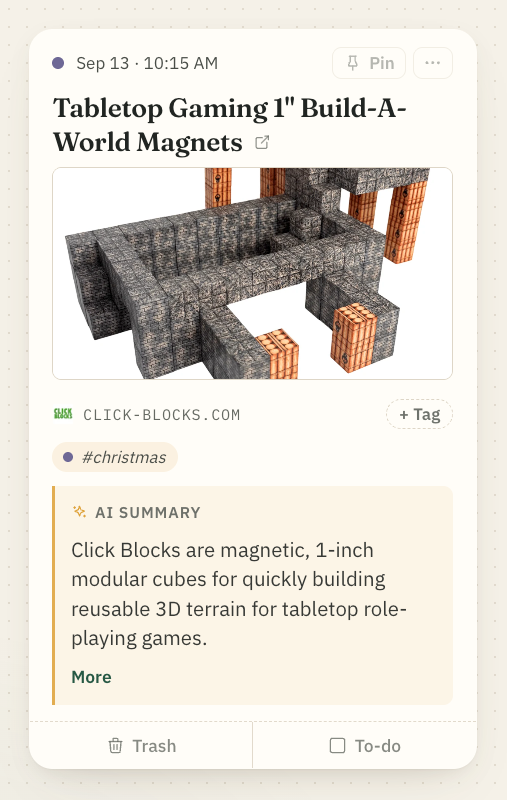
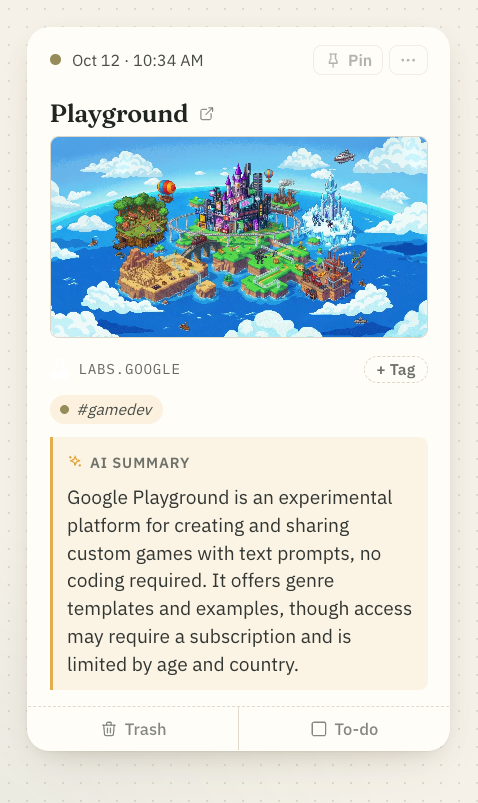
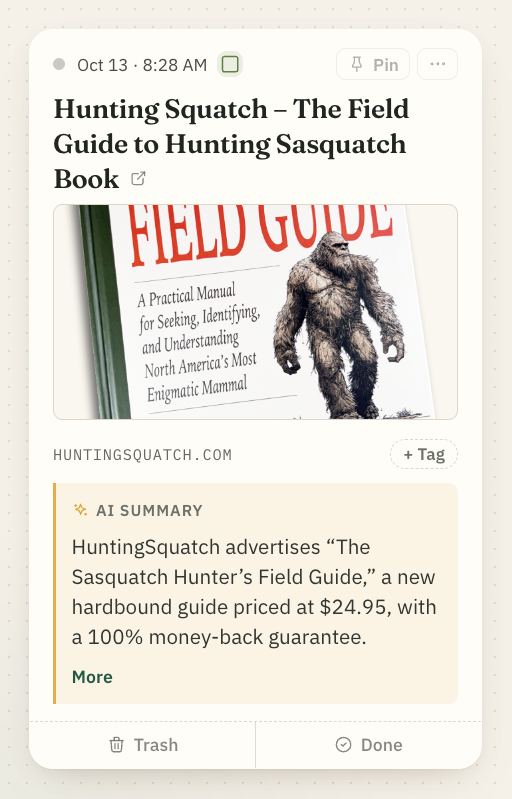
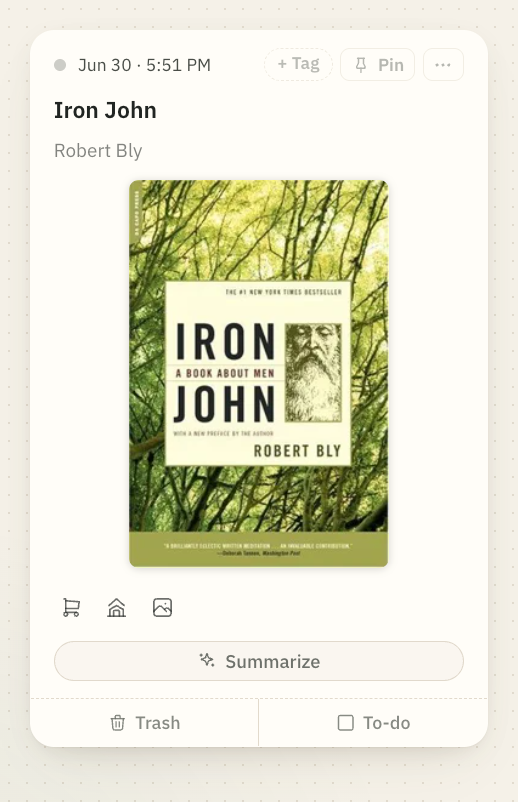
If your mind never really switches off, this is for you. Get it out of your head in a second; BrainTrellis files it, and brings it back when you need it.
Hooks, captions, screenshots, trends.
Ask which hooks you saved about pricing.
Snippets, error fixes, commands, prompts.
Your saved fixes, right inside Claude Code.
Prompts, workflows, whole ChatGPT and Claude chats.
Save a great conversation in one line.
Ideas, customer quotes, angles, 2 a.m. thoughts.
Filed under the right project, automatically.
UI inspiration, palettes, layouts, type.
Find a screenshot by what's in it.
Story seeds, quotes, research, overheard lines.
Find “that lighthouse thing” without the word.
Lecture photos, links, study notes.
Ask your notes the night before the exam.
Articles, sources, findings, rabbit holes.
Answers that cite your own sources.
Ad ideas, winning creative, competitor moves.
Every swipe file, searchable by meaning.
Book covers, quotes, recommendations.
Snap a cover; it knows the book.
Paint colours, contractor quotes, the reno plan.
Share the project with your partner.
Campaign ideas, maps, rules, characters.
Every session's notes, in one place.
Links, photos, videos, voice notes — and shared ChatGPT, Claude, or Gemini conversations, captured as first-class notes. The thinking you do with AI finally has a home.
An LLM summarizes what you save, files it under the right interest and links it to related notes, so a tangle of fragments becomes something you can actually read, not just re-stack.
Semantic search across everything you've kept. Search "that pricing idea" and get it — even if you never wrote the word "pricing."
Pose a question in plain language — "what did I find about onboarding?" — and pull a synthesized, cited answer straight from your own captures.
Everything you save lands on one board, filed by interest. Mark anything a to-do, check it off when it's done, and see just your to-dos with one tap. Nothing expires unless you switch composting on.
Group the notes inside an interest into named folders — Gear, Trip planning, Trail journal. One tap, no upkeep.
Invite your partner into an interest or folder. Their notes wait in a review lane until you wave them in — then catch up together.
Four themes with real character: a warm paper notebook, glass panes in a green conservatory, a bold black-and-white broadsheet, a night garden. Or bring your own VS Code colors.
Saving things is a great start. It's also where most apps stop — and where your best finds go to die.
| Capability | A pile of saved links | BrainTrellis |
|---|---|---|
| Ways to capture | A paste box | Web, SMS, email, your phone's Share button, AI chats, MCP & API |
| Organization | Folders you maintain | Auto-routed to the interests you care about |
| Things to get to | Lost in the pile | Marked as to-dos, one tap to see them |
| AI chats | A dead link | First-class, pre-chewed & searchable |
| Makes sense of it | You re-read everything | Summarized & linked to related notes |
| Getting it back | Scroll and hope | Ask in plain language, get a cited answer |
| Works with AI agents | — | Hosted MCP server + API |
| Price | Often free — then sold or shut down | From $5/mo — independent, export anytime |
On Free, BrainTrellis keeps everything you send and you file it by hand. Pro turns on the AI that reads, files, and answers — plus capture from anywhere. Cancel anytime, export everything.
A manual second brain. Unlimited, on the house.
$50 billed yearly · $4.17/mo
billed monthly
Lifetime Pro · first 250 only
Every plan: your data is yours. Export the whole trellis anytime — no lock-in.
The same hosted MCP server works with Claude Code, Cursor and any MCP client, and scripts and Shortcuts get a plain HTTP API with personal tokens. Both are part of Pro.
# plug your trellis into Claude
$ claude mcp add --transport http braintrellis https://braintrellis.com/mcp

# capture from a script
$ curl -H "Authorization: Bearer $BT_TOKEN" \
    -d '{"body": "https://chatgpt.com/share/…"}' \
    https://braintrellis.com/api/v1/notes
✓ routed to "Tabletop RPGs"
Type it, text it, email it, share a link or an AI chat, or let your AI assistant drop it in. One door for everything.
Each capture is filed under the right interest, gets summarized, and links up with related notes.
Ask it anything, find notes by meaning, and get reminded when something is due. Your to-dos are one tap away.
Plugs into your stack. Capture from your AI assistant, Apple Shortcuts, or your own scripts over MCP & a REST API — the same filing, wherever the thought shows up.
Stop drowning your best finds in a feed you never revisit. Fire them in, and let BrainTrellis do the filing — and the remembering.
No card to start · Pro from $5/mo · Export anytime